The TimeView Platform Architecture
Modular End-to-end Solution for digital video services
MediaHub TimeView is a modular end-to-end IPTV and OTT TV distribution platform, supporting both linear and VoD services.
Fully developed in-house, TimeView is a Tier 1 solution built on Docker architecture. It has been operating for over 10 years, providing reliable service to national and regional TV service providers.
With its user-friendly interface and robust performance, it is a trusted solution for service providers looking to deliver high-quality, next-generation television experiences.
The Video Processing solution
Transcoding & Packaging
The Video Processing solution
Transcoding & Packaging
Comprehensive TV content compatibility
The system is designed to handle both linear TV channels and Video-on-Demand (VoD) content and provides a versatile solution for diverse media requirements.
Adaptive streaming support
Dynamic adjustment of streaming quality based on network conditions for a seamless viewing experience.
High-quality video playback
Optimal bandwidth usage and crystal-clear video playback with the latest codecs, including HEVC, VP9, and AV1.
Compliance with the most recent MPEG standard
Adopting the Common Media Application Format (CMAF) leads to cost reduction, workflow simplification, and low latency.
The Storage Solution
Distributed architecture
The Storage Solution
Distributed architecture
High availability and redundancy
A distributed storage system distributes data across multiple nodes, ensuring data accessibility and minimising the impact of node failures.
Cost-effective scalability
By leveraging commodity hardware and horizontal scaling, service providers can reduce costs while efficiently expanding storage capacity and performance.
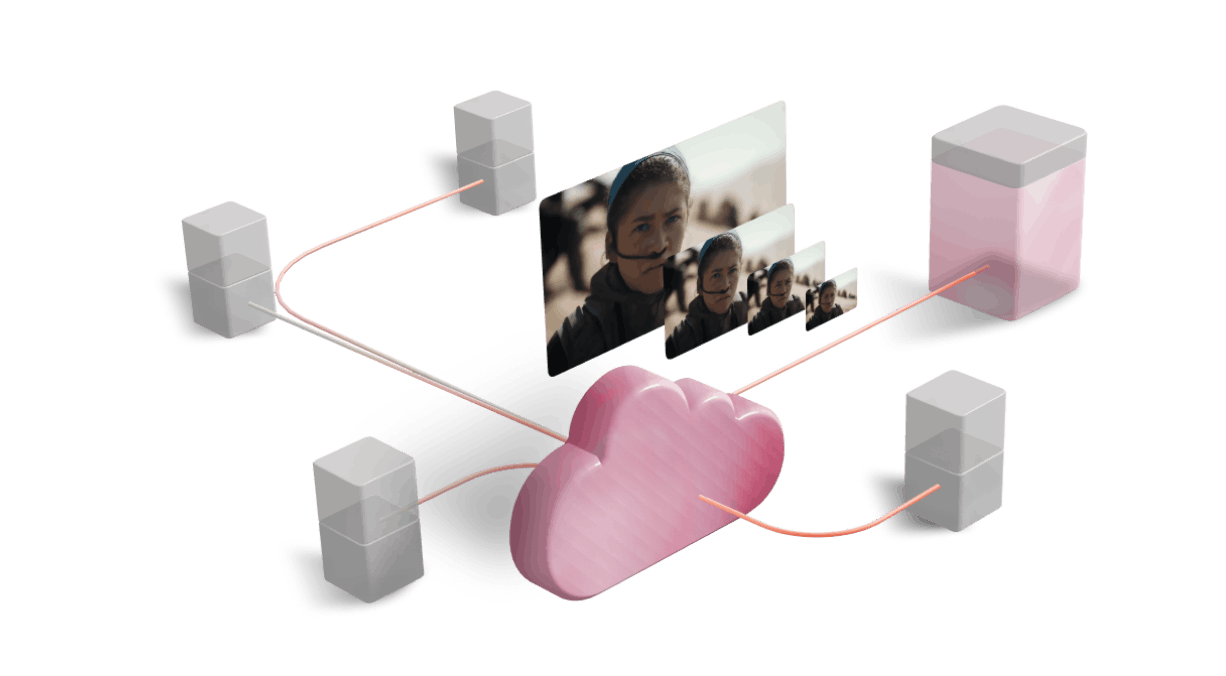
The Caching CDN Solution
The Caching CDN Solution
Service cost optimization
By caching content at edge nodes, a CDN reduces bandwidth consumption from Storage Solution between 50% and 85%.
High-quality, solid services
By leveraging distributed architecture with commodity hardware, service providers can quickly and cost-effective expand CDN Nodes’ capacity and minimize the impact of node failures.
Global video service support
By using CDN to keep content cached geographically closer to users, service providers can reduce load times significantly. This video distribution solution also helps manage a load of legitimate traffic at times of high volume and decreases the risk of DDoS attacks.
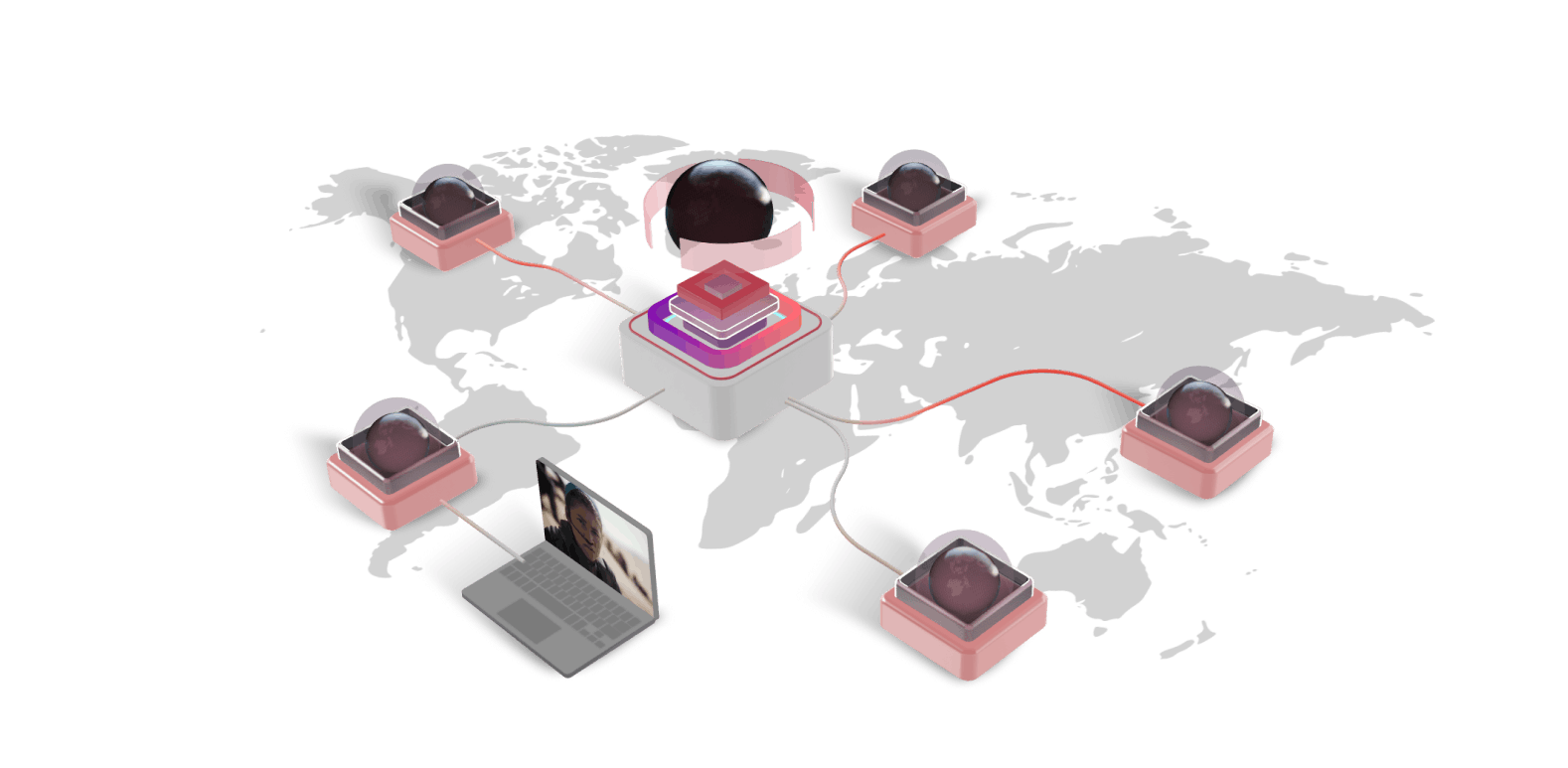
The Database Solution
Metadata and User Authentication
The Database Solution
Metadata and User Authentication
Metadata enrichment support
Improved informed consumer choice leads to the attraction of the young audience and increases the overall quality of the service.
Innovative service features
Upgrading the traditional Electronic Programming Guide with metadata enrichment provides unique features for TV service - VoD like Catch-up archive, binge-watching across the TV channels, etc.
Highest level of security
With the latest industry-standard protocol for authorization, the platform provides complete access management of the content at the backend level. It is native to offer additional features of the user sessions and geo-restriction functionality.
Multiscreen applications
Including operator-tier certification
Multiscreen applications
Including operator-tier certification
Native and near native applications
Developed using the latest front-end frameworks. Covering all the features and consistent user experience across all devices.
- AndroidTV launcher - for AndroidTV Set-top boxes
- AndroidTV app - for Google Play and Amazon Appstore (Launcher included for Google’s AndroidTV Operator Tier)
- Samsung, LG, Philips, Hisense apps, Tizen OS app for Smart Hub, WebOS app for LG Content Store, Titan OS and Vidaa OS Store
- Web application - responsive web video portal
- Mobile applications - for Android, Apple and Huawei devices
Installation process
Procurement of the necessary hardware
Integration into the network infrastructure
Remote installation of the software platform
Remote third-level support
Procurement of the necessary hardware
Integration into the network infrastructure
Remote installation of the software platform
Remote third-level support